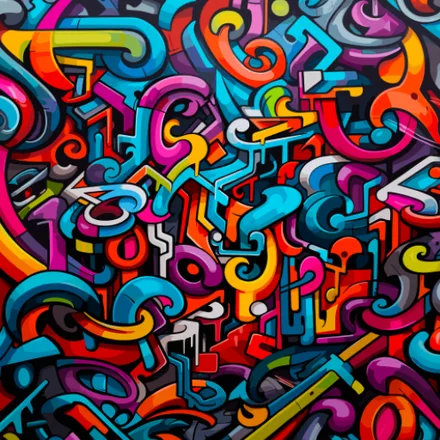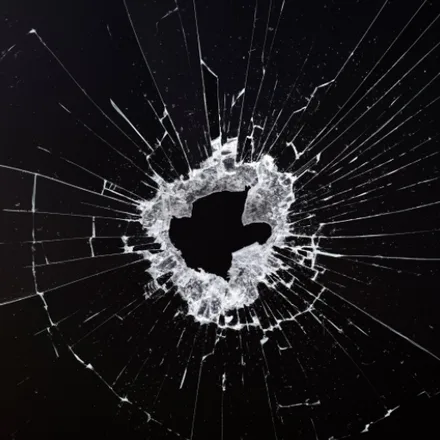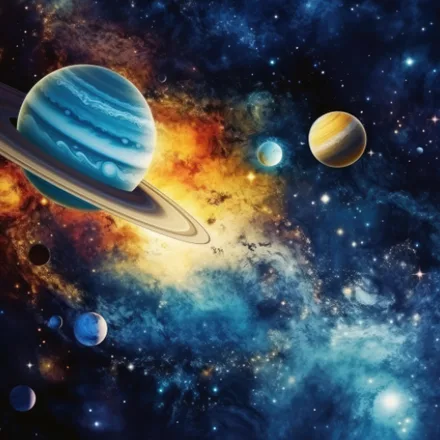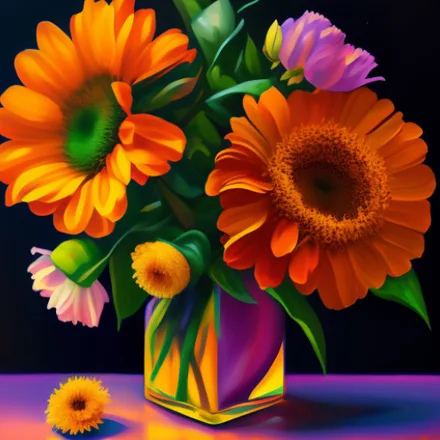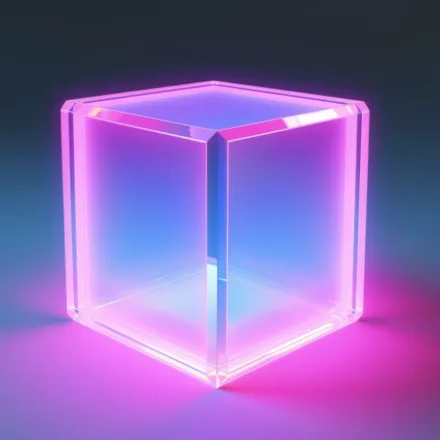

3D Wallpaper brings a genuine sense of depth to your Android screen, filling your library with richly rendered scenes that look like they are popping right out of the display.
Why a 3D wallpaper changes how your phone feels
Flat backgrounds blend into the background of daily life, but a well-made 3D wallpaper gives your screen shadow, perspective, and layered light that catch your eye every time you pick up your phone. This collection focuses on that extra dimension, pairing crisp HD detail with scenes ranging from towering sci-fi cityscapes to quiet natural landscapes and abstract geometric art. Even on a small phone display, the added sense of perspective makes familiar subjects like mountains, oceans, and skylines feel noticeably more immersive than a flat photo.
Everything here is free to browse and set, and the library is organized so you can jump straight to the mood you are after, whether that is calm and atmospheric or bold and futuristic, and new additions are sorted into the same categories so returning users always know where to look.
Key features
- Extensive gallery of HD 3D wallpapers covering nature, sci-fi, fantasy, and abstract themes
- Depth-focused imagery with realistic shadow and lighting for a genuine sense of dimension
- Full-screen preview before you commit, so you always know exactly what you are setting
- Favorites list to bookmark 3D wallpapers you want to reuse later
- Offline downloads so saved wallpapers are available without an internet connection
- Simple sharing so you can send a favorite 3D background to friends
- Frequent additions of new 3D designs to keep the collection current
How to set a 3D wallpaper
- Browse the categories or scroll the featured picks to find a 3D scene you like
- Tap the thumbnail to open a full-resolution preview
- Choose Set Wallpaper and pick Home screen, Lock screen, or both
- Save the choice and your Android device updates instantly with the new depth-filled background
Smooth performance on every device
3D Wallpaper is built to run lightly, so the added visual depth never comes at the cost of battery life or storage space. The app scales cleanly across phones and tablets of any screen size and resolution, keeping every image crisp instead of stretched or pixelated. It is completely free to download, requires no special setup, and is designed for anyone who wants their Android home screen or lock screen to feel less flat and more alive. Whether you are searching for immersive 3D wallpapers, HD depth-style backgrounds, or simply a fresh way to personalize your device, this app keeps that experience just a couple of taps away. New scenes are reviewed for sharpness before they are added, so you never end up with a soft or low-quality image taking up space on your home screen.