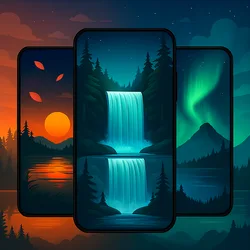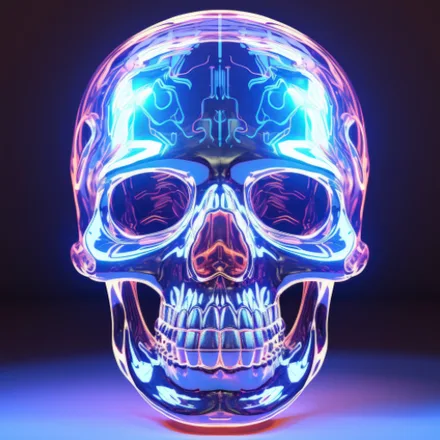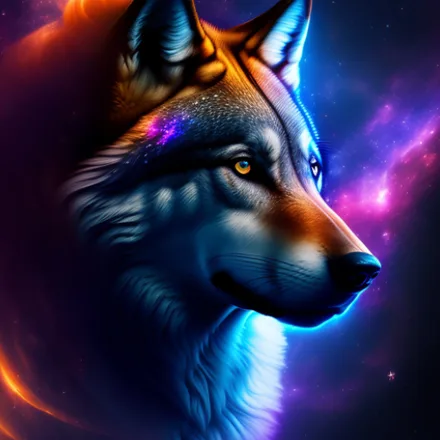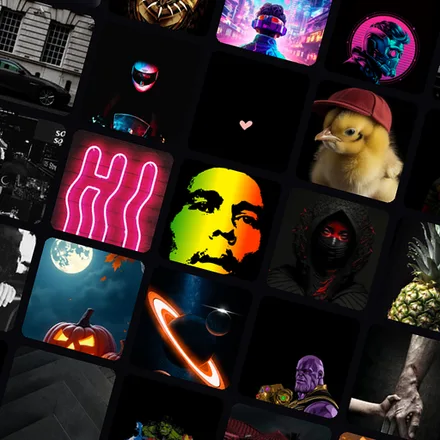

Dark black wallpaper 4K AMOLED backgrounds do more than look sleek — on an AMOLED or OLED Android screen, true black pixels switch off entirely, which is exactly what this free app is built around. Instead of a handful of generic black rectangles, you get thousands of hand-picked dark wallpapers spread across dozens of themed categories. Rather than dumping everything into one giant unsorted feed, each style gets its own dedicated corner of the app.
Style and battery savings in one app
Most single-purpose black wallpaper apps stop at plain solid backgrounds. This one treats pure black as a design choice rather than the whole idea, pairing genuine deep-black AMOLED backgrounds with dark anime art, neon cyberpunk scenes, superhero portraits, moody aesthetic shots and more, all built around blacks deep enough to keep the battery-saving effect intact. That balance of aesthetic and function is what separates a genuinely useful AMOLED wallpaper app from one that just inverts colors.
Because true black pixels draw far less power on AMOLED and OLED panels, switching to these wallpapers can meaningfully cut screen-related battery drain compared to bright or busy backgrounds, all while giving your phone a cleaner, more premium look. Over a full day of screen-on time, that difference can add up to noticeably longer time between charges.
Key features
- Large library of dark and pure-black wallpapers across dozens of themed categories
- True 4K, HD and Full HD image quality
- Live wallpapers, animated backgrounds and charging animations
- Auto wallpaper changer to rotate backgrounds hourly, daily, or on charge
- Separate wallpaper options for home screen and lock screen
- One-tap save to gallery plus favorites and download history
- Fully offline browsing once wallpapers are downloaded
How to set a dark AMOLED wallpaper
- Browse a themed category or search by keyword
- Tap a wallpaper to open the full-screen preview
- Choose 'Set Wallpaper' and apply it to home screen, lock screen, or both
- Turn on the auto wallpaper changer if you want fresh dark backgrounds automatically
Real variety, not just black rectangles
Categories span dark anime, cyberpunk neon, superhero art, minimal and geometric design, moody quotes, space and galaxy scenes, and seasonal themes like Halloween, with new wallpapers added regularly. That range means the app works equally well for someone who wants a minimalist black screen and someone who wants a loud cyberpunk skyline. Clock wallpapers and charging animations add extra personality beyond a static background. The app is completely free on Android, requires no subscription for its core library, and works offline once your wallpapers are saved to your device. Because the whole point is genuine AMOLED black rather than dark gray or navy tones dressed up as black, every wallpaper is checked before it's added to a category.