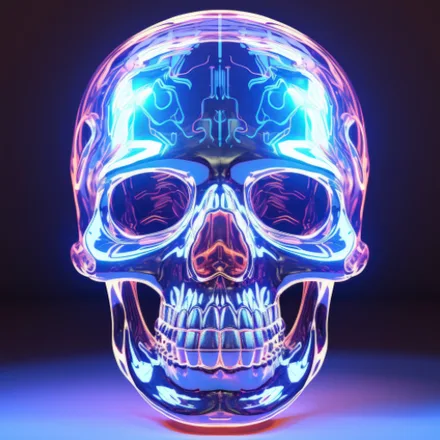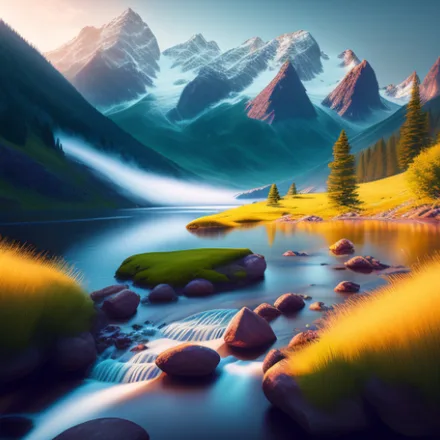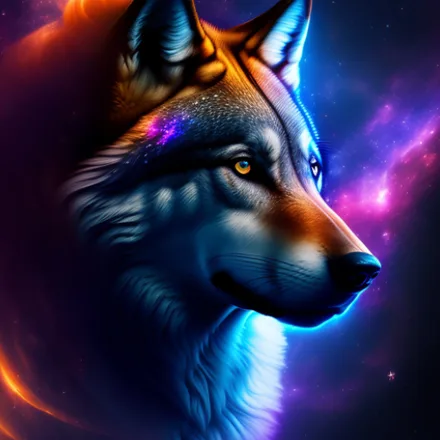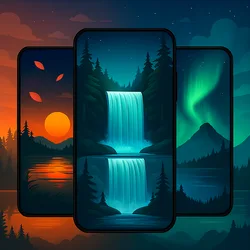

Live nature wallpapers turn a static phone screen into a small window onto moving skies, drifting clouds, and shimmering water, and this free Android app packs hundreds of HD and 4K scenes into one simple, fast-loading gallery that keeps every unlock feeling a little more alive.
Why motion beats a still photo
A photograph looks the same every single time you glance at your phone, but a moving scene changes the mood of your device throughout the day. Gentle waterfalls, drifting aurora colors, and slow-shifting cosmic skies give your home screen a sense of depth that a flat image simply cannot match, and the effect costs you nothing extra to enjoy. Even a few seconds of ambient motion in the corner of your eye can make a phone feel less like a tool and more like a small piece of art you carry in your pocket.
The gallery spans two broad moods: cinematic natural landscapes for anyone who wants a calm, immersive feel, and dynamic abstract motion for users who prefer bold shapes and shifting color fields. Mixing the two lets you match your screen to whatever mood you are in, from a quiet Sunday morning with soft mist rolling over hills to a busy Monday commute where a punchy geometric animation helps you wake up faster. New arrivals rotate through both categories, so neither style ever feels forgotten.
Key features
- Hundreds of HD and 4K live wallpaper scenes spanning nature and abstract motion categories
- A lightweight rendering engine tuned to sip battery instead of draining it
- Adjustable animation speed, color filters, and overlay effects for a fully personal look
- Interactive motion that responds to a tap, swipe, or gentle shake of the phone
- Offline mode so saved favorites keep playing without using mobile data
- One-tap application to the home screen, lock screen, or both at once
- A regularly refreshed catalog so the gallery never feels stale or repetitive
How to set a live nature wallpaper
- Install the free app from Google Play and open the featured gallery
- Browse categories such as waterfalls, night skies, and abstract motion
- Tap any scene to preview it full-screen before committing to it
- Choose Set Wallpaper, then select Home, Lock, or both screens
Optimized for every device
Live wallpapers have a reputation for slowing phones down, which is exactly the problem this app was built to avoid. Every scene is optimized so it scales cleanly across different screen sizes and resolutions, from budget Android phones to the latest flagships, without stuttering, lag, or excessive heat. Frame rates and detail levels adjust automatically depending on what your hardware can comfortably handle, so the same gallery looks great whether you're on a compact budget phone or a large-screen flagship.
Combined with offline downloads and frequent content updates, this app gives you a living, breathing home screen that stays fresh for months without ever needing a second wallpaper app. Whether you check your phone once an hour or a hundred times a day, there is always something new worth glancing at, and switching between scenes takes only a couple of taps whenever the mood strikes.