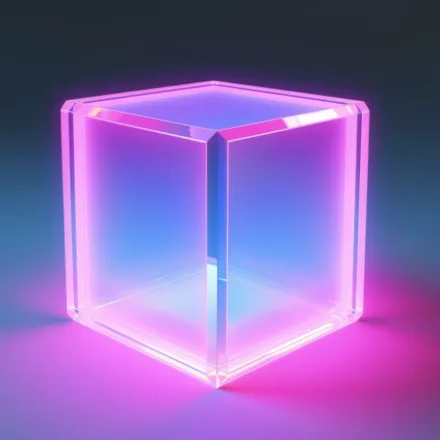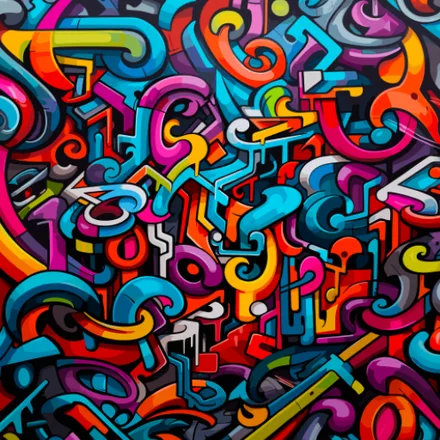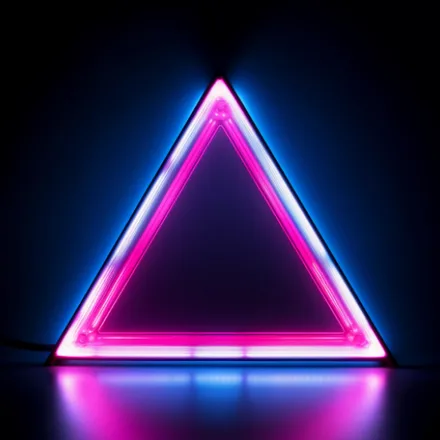

Neon Wallpaper HD turns any Android phone into a glowing canvas of electric color, pulling together sharp HD neon art that makes your home screen pop the second you unlock it.
Why pick a neon wallpaper for your screen
Neon design has a way of making a plain screen feel alive. Instead of scrolling through generic backgrounds, you get bold gradients, glowing outlines, and saturated color palettes built specifically for phone and tablet displays. Every image is chosen for contrast and clarity, so icons and widgets stay easy to read even against busy neon patterns. Many designs also work well as a subtle accent, letting a single strip of glowing color frame the edges of your screen without overwhelming your icons or widgets.
This is a free wallpaper app first and a design tool second: no signup, no paywall to browse the library, just tap and set. It works great whether you want a loud statement look for your home screen or a calmer glow for your lock screen, and the layout makes it easy to compare several neon styles side by side before you decide.
Key features
- Large library of HD neon wallpapers spanning cyberpunk cityscapes, abstract shapes, and glowing typography
- One-tap preview so you can see exactly how a neon background looks before setting it
- Separate options for home screen, lock screen, or both at once
- Categories built around color families like electric blue, hot pink, acid green, and violet neon
- Offline access to save favorite neon wallpapers and use them without a data connection
- Regular additions of new neon designs so the collection never feels stale
- Lightweight app built to run smoothly without draining battery or storage
How to set a neon wallpaper
- Open the app and browse the neon wallpaper categories or use search to find a specific style
- Tap any thumbnail to open a full-screen preview in HD
- Tap Set Wallpaper and choose Home screen, Lock screen, or both
- Confirm and your Android device instantly displays your new neon background
Built for every Android device
Neon Wallpaper HD is optimized to look sharp on phones and tablets of any screen size and resolution, from compact budget devices to large high-refresh-rate displays. The app is completely free to download and use, and it is designed to be simple enough for anyone to personalize their device in seconds, no design skills required. If you are searching for HD neon wallpapers, 4K-ready neon backgrounds, or a quick way to give your Android screen a futuristic glow, this collection was built with exactly that goal in mind, and it keeps growing with fresh neon drops so there is always something new to discover. From minimalist neon outlines to dense, glowing cyberpunk skylines, there is a look here for anyone who wants their phone to feel less like a plain appliance and more like a small piece of personal art they get to update whenever the mood strikes.